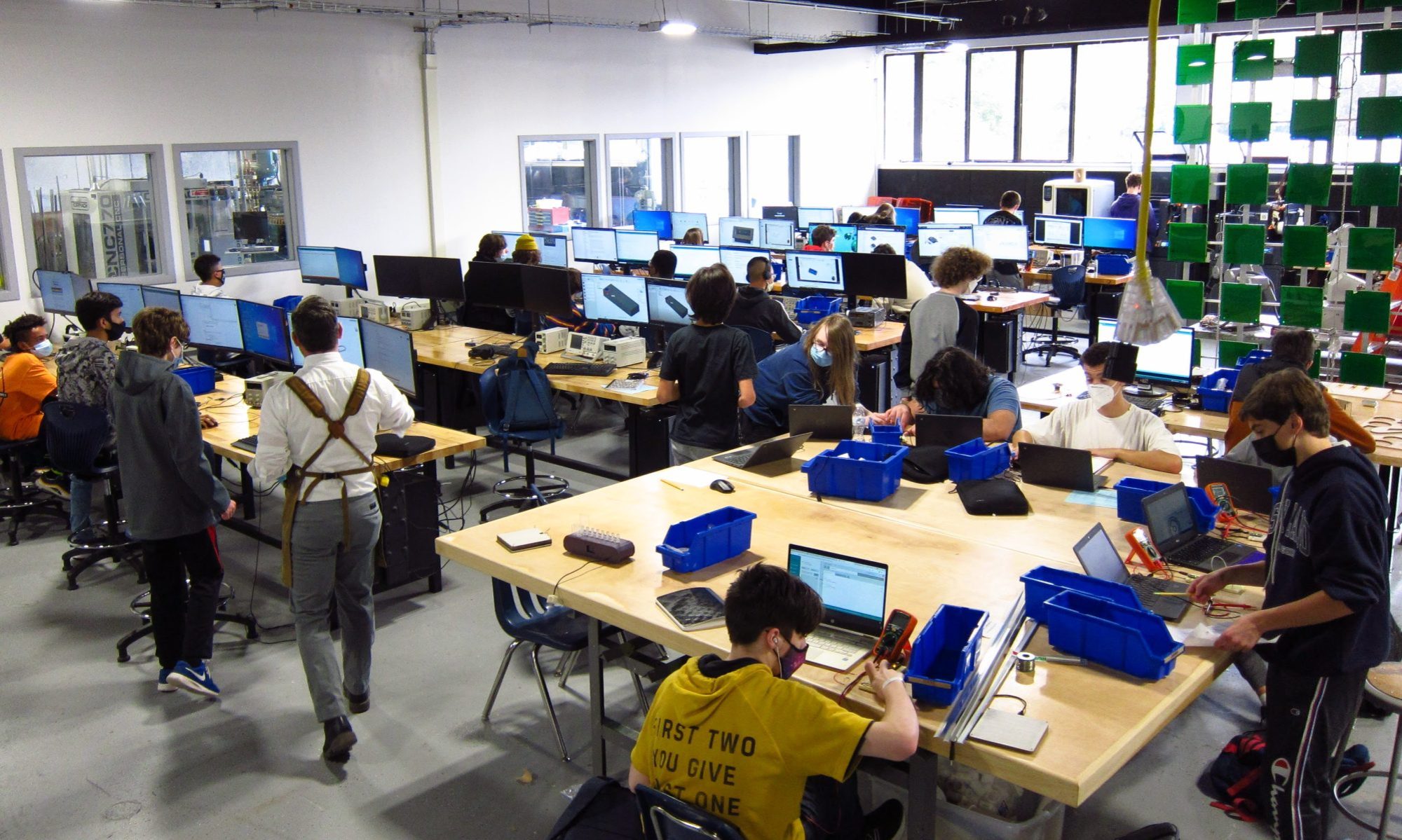

This week had us wondering if we would ever see the Sun again. While it may have been cloudy outside, the lights were on in the Engineering shop and students were hard at work.
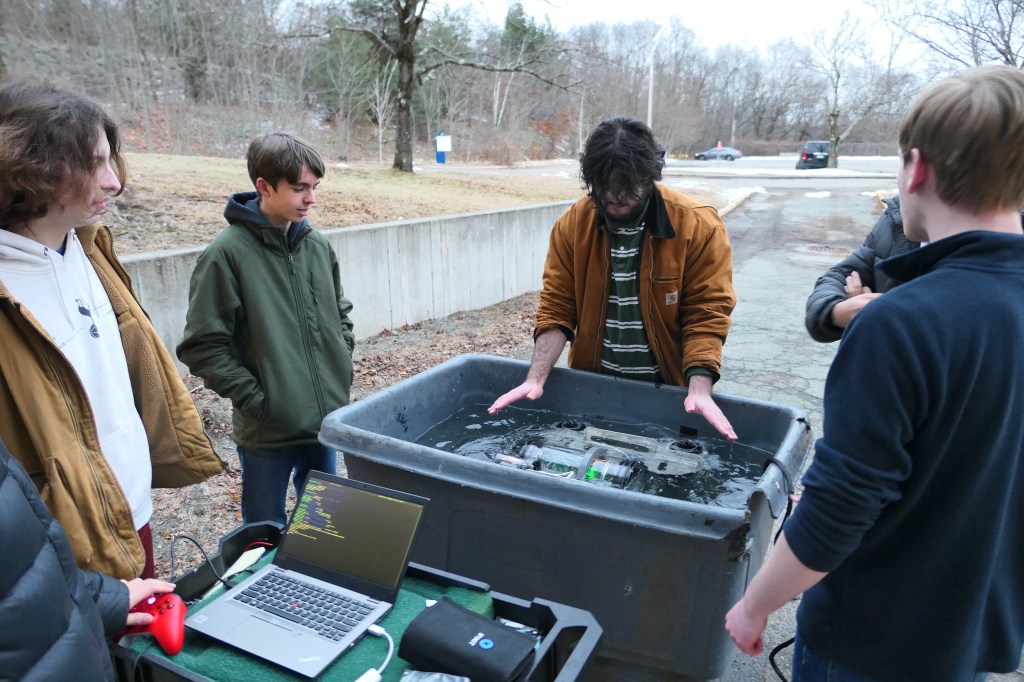
This week Junior Scott Campbell continued working on the Float for the Robotics team. There may have been a small fire involved, as Scott explains on his website:
We assembled the float, and we noticed that it was intermittently working. The hall effect sensor would sometimes detect the magnet and sometimes it would not. After some troubleshooting we realized that the issue was that the internal pullup resistors in the Adafruit QT Py are not strong enough for the length of the bus we are using.
I added a 10k resistor to the model using Autodesk Eagle. Unfortunately when I routed the board some metal shavings bridged a gap between two pins on the motor driver causing a short circut. I did not notice this until the board burst into flames on my desk. This burnt out the motor driver and the Adafruit QT Py, we do not have any extra Adafruit QT Py boards, so I decided to put my time to use learning KiCad.
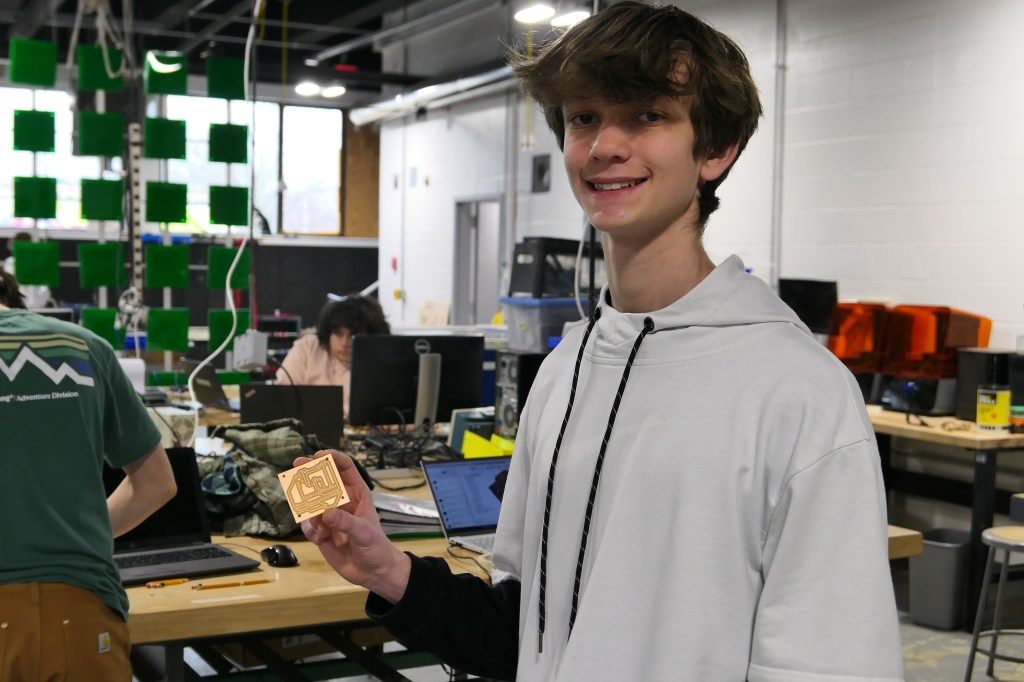
KiCad is an open source PCB design software suite. I had seen Shubh and Roman using it in the shop and heard good things about it. So far after trying it out my experience has been phenomenal. The UI is much more snappy and well designed then eagle. My favorite feature so far is the way that symbols and footprints are seperate. You can assign footprints to generic symbols and save yourself trouble.
In a few days I completely redid the float PCB in KiCad. I started by making the footprint for the md26a motor driver and the Adafruit QT Py. This was a very simple process, but it took the longest because it was my first time making anything in KiCad.
Next I made the board schematic by connecting the components in the same configuration as they are on the actual PCB. This was fairly quick and I am satisfied with the result.
Finally I made the actual PCB. I placed components from the schematic on the board, then oriented them how they needed to be in order to fit in the mounting solution we already have.
The only downside I have found so far with KiCad vs Eagle is that there is no autorouter by default. I know that you can get a plugin that does a pretty good job, I figured that it was so few components that I could just do it by hand without any issue.
See photos on his website, linked here.
Senior John Paizante is finishing up new work on the Fish Feeder for Biotech. He writes on his website:
This week was spent on the fish feeder. Mainly it’s support because due to my miscalculation I had trouble fitting the encoder wheel and had to redo the first support with more side to side space.
This week I have also learned about Ki-Cad
KiCad is an open-source electronic design automation (EDA) software suite used for schematic capture, PCB layout, and more. It’s popular among hobbyists and professionals for designing and prototyping electronic circuits.
KiCad and Eagle are both popular PCB design tools, and each has its own strengths. The main advantage of KiCad over Eagle is the fact that KiCad is open-source, making it freely available to everyone. This can be advantageous for collaboration and community-driven improvements.
See photos on his website, linked here.
The Sophomores have only 2 weeks left to complete their LED Lightboxes before the February break. They are getting very close, and we are looking forward to sharing their creations with you.
 MVTHS Engineering
You must be logged in to post a comment.