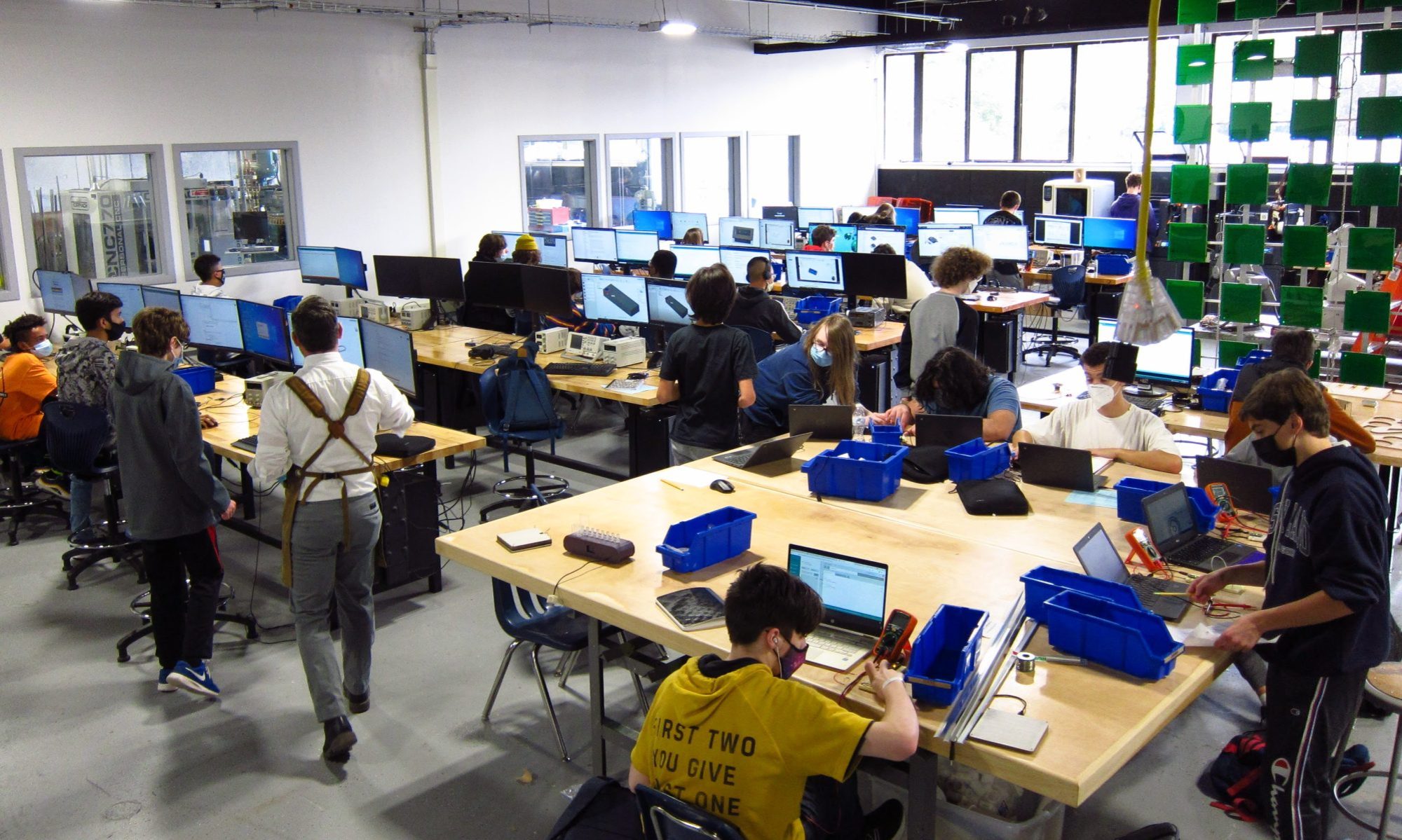

We ticked over into November this week, and the weather seemed to cool abruptly. Cold weather doesn’t stop work in the shop, and the students were busy with several interesting projects this week.
Junior Alex Hickey has been working on facial ID software with a raspberry pi. He writes on his website:
This week I started writing to csv files. First I learned to create them and write to new files, and to edit existing ones. The next step was to write variables to the files. this was a bit harder but i made a separate script from the faceid script and did it properly. Although this was done, the formatting was not. To correctly name the columns and rows, the names need to be separated by different lines and the column names had to be set. I setup names in rows in a google sheet to what the script should write when it is setup properly, and saved it as a csv file. I then looked at the format and attempted to write the file to the same format. I did not complete this and will be continuing today and next week. I implemented the variable writing into the faceid script and wrote names detected to the csv file. There’s still much more to add. Going forward, I have to implement a real time clock to also put the time in as a variable aswell as with the correct formatting. Following that, I will be making an enclosure with fusion 360 for the screen and raspberry pi.
Read more about it on his blog, click here.
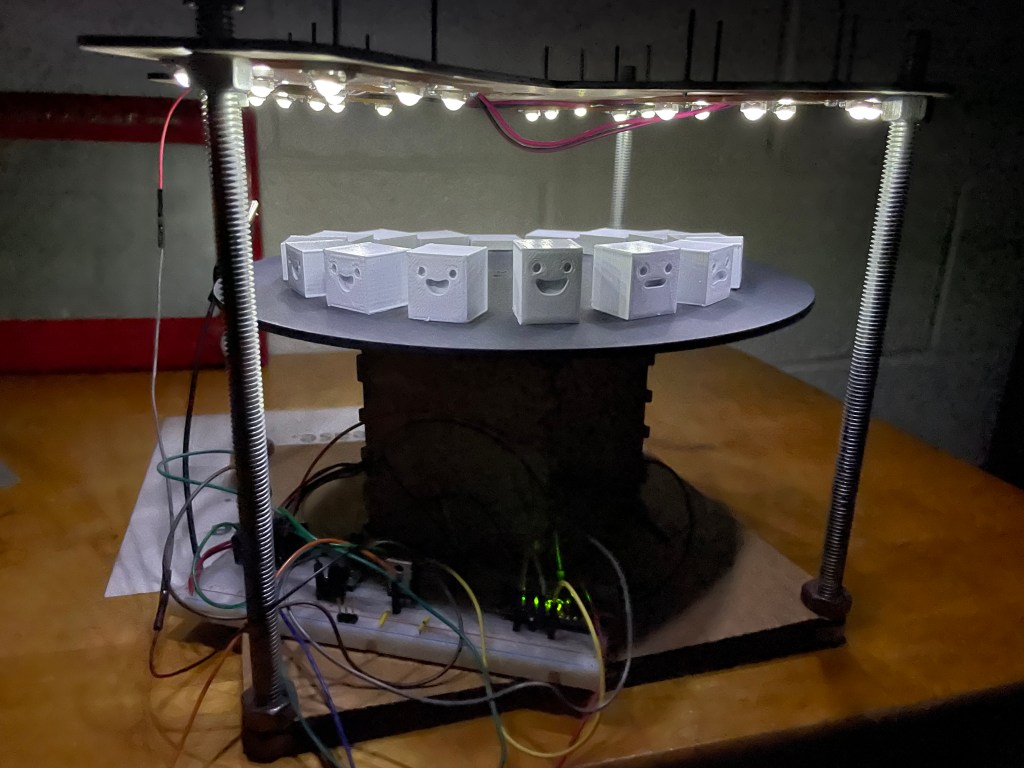
Senior Anthony Cartolano continues his work on addressable LED strings. He discusses his recent progress on his blog:
This week me and Scott focused on the code for the different settings for my jersey frame project. Towards the end of last week, I was able to get the crossfade code example that I found online. I modified it to fade between purple and gold, then I simplified the code to what I need. I then tried to implement the crossfade code into my master code with all the other 4 settings, but that’s where the issues began. At first, it was saying that I the setAllStrips function was undefined, even though it worked perfectly fine when it was isolated in it’s own code. With the help of Scott, I made every setting it’s own void in order to try to define the problem and clean up the code. This worked and the setting was activated when I pressed the 5 button on the IRremote (0x15 in hexadecimal form).
The next problem we ran into was turning it off using the off button. I had run into the issue of the around setting not changing settings or shutting off when it was in the middle of a function, instead it shut off or changed once it had completed a couple rotations around the Neopixel strip. This also happened with the crossfade setting, so and Scott decided to try to fix it. He suggested using an interrupt, which is a line of code that will interrupt whatever setting it occurring and activate the new input. However, we weren’t able to do this because I’m using the IRremote library, which would mean we would have to go into the source code of the library and edit in an interrupt ourselves, which would be too complicated and take too much time. We noticed that whenever the button was pushed, the red indicator light on the metro mini lit up, meaning that it was in fact receiving a signal. Eventually we figured out that we could add a command in each loop that reads if the button was pressed, which worked.
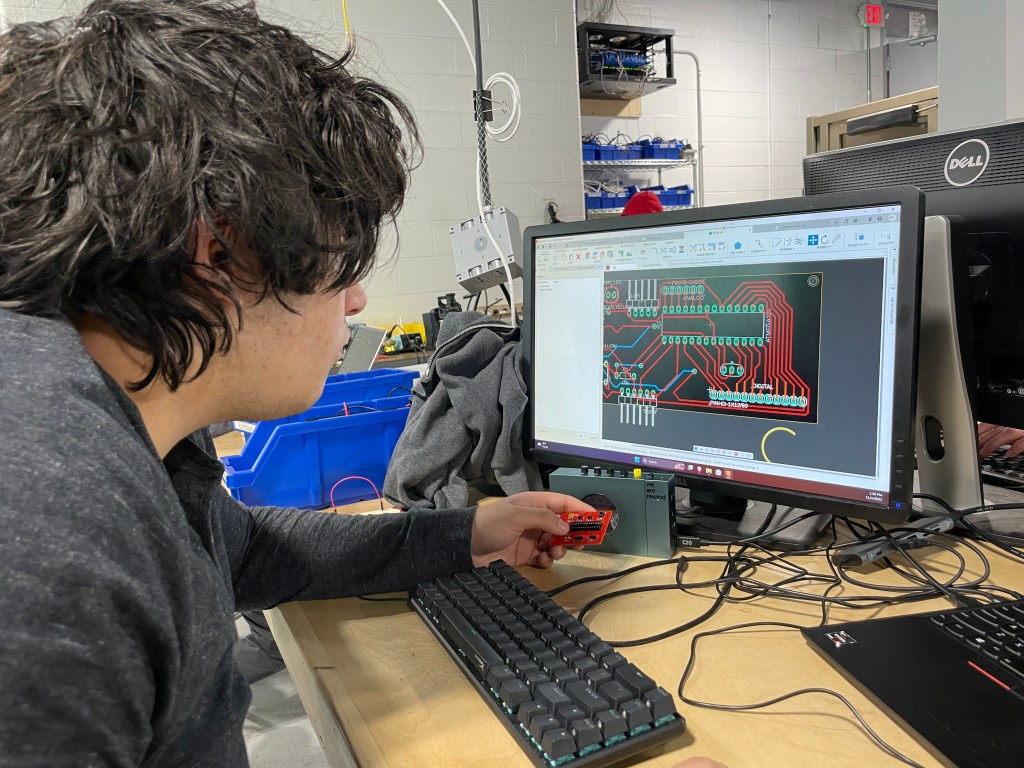
The last problem we faced was that the settings where motion is occurring (the around and crossfade settings), after one cycle the strip would freeze and the motion would stop. This problem got very complicated very quickly, and Scott was suggesting some wild ways to get it to work, none of which I really understood. Eventually, we decided that it was easiest to rewrite the crossfade setting ourselves to better understand it, since the one I found online was too complicated to try and figure out. We did this by breaking the fade into steps, using subtraction and division of the hex values of the colors purple and gold to get it to seamlessly fade just like the setting I found online. Once that was all figured out, I started designing the PCB for my frame. I’ve only added a few components so far, but I have to keep in mind the fact that the IR receiver needs to not be covered by the anodized aluminum plaque in order for it to receive signals.
Read more about it and check out some photos on his blog, click here.
The Sophomore class worked on coding guides for most of the week. They are nearing the start of their first project, which comes after the Thanksgiving break.
 MVTHS Engineering
You must be logged in to post a comment.