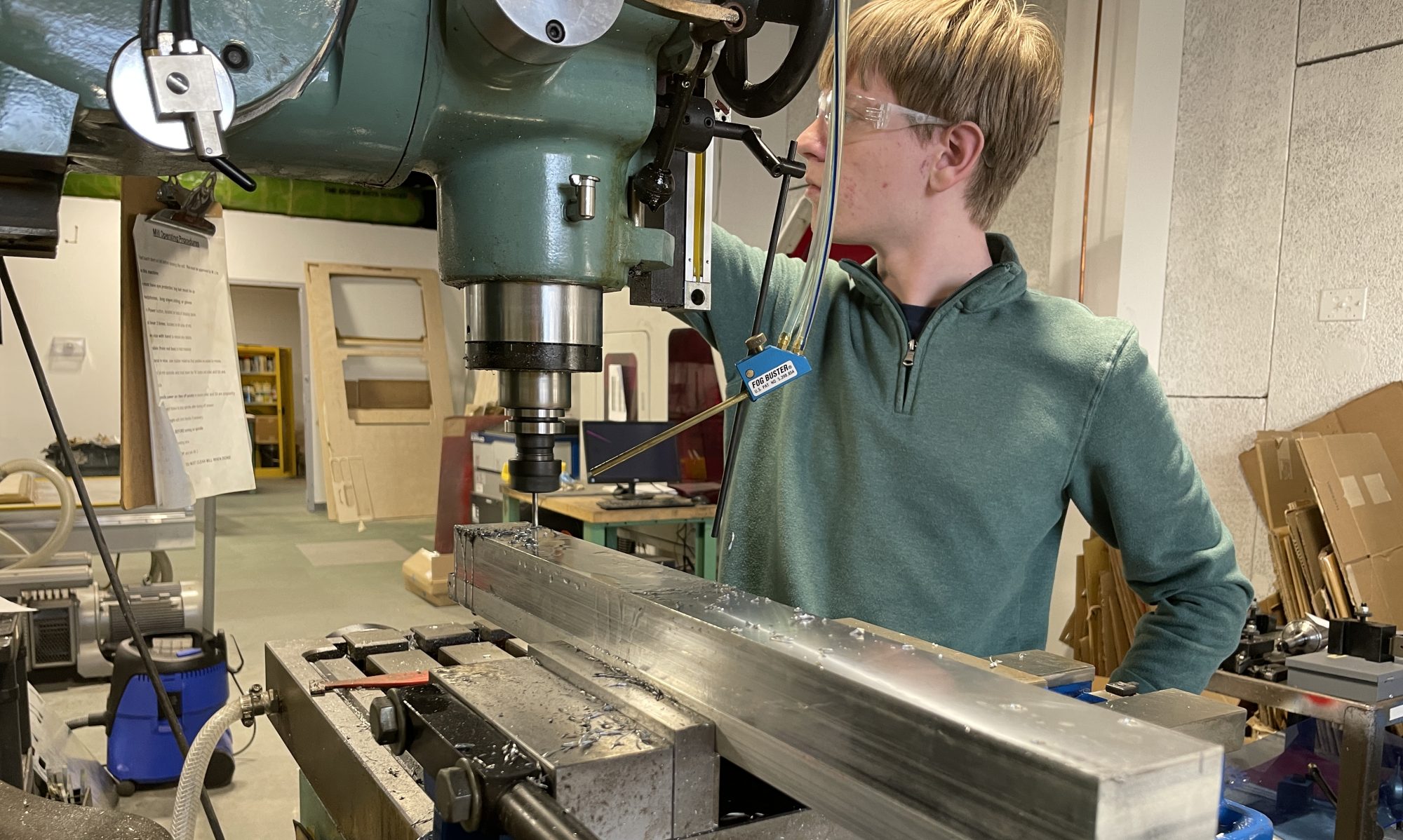
A very productive week of work by our students. Here are few highlights.
Junior Milo Austin was busy working on multiple projects. He wrote on his blog:
The first picture depicts a test cut out of the pick guard I designed for my bass guitar. The photo shows how it will fit with the P Bass and Jazz Bass pickups in the neck and bridge position. Also there is a potentiometer to show how the volume and tone controls will fit into place. The second image is a screenshot of the pickguard in the form of a digital drawing of my model. The last picture is a draft of a possible bridge design for my bass.The first picture depicts a test cut out of the pick guard I designed for my bass guitar. The photo shows how it will fit with the P Bass and Jazz Bass pickups in the neck and bridge position. Also there is a potentiometer to show how the volume and tone controls will fit into place. The second image is a screenshot of the pickguard in the form of a digital drawing of my model. The last picture is a draft of a possible bridge design for my bass.Lastly to close out my week I help set up the shops plasma cutter. To do this I used an angle grinder top grind off rust on the metal inserts. I worked with Will Tseng again. The pictures depict 1. the plasma cutter being filled with water, 2. the angle grinder I was using, and 3. me wearing proper angle grinding PPE.
Senior Isaiah Bell has been working on coding for his homemade drone.
This week I was finally able to access the Docker Container with the assistance of Scott Campbell and Ben Wirz (Check out their websites). The plan for this week was to re-run the “rake start” command to open up the ROS Kinetic software inside of the Docker image because the terminal was originally aborting the command and I could not progress any further. Once I got Scott’s help on this situation, he told me that I was in the wrong directory and he used the list command in the terminal to search for the right file. He also told me that the code within this terminal is called Bash and I took another step back to dissect and learn more about this code. This software initialization portion is a process, but I was able to successfully open up the docker container inside of the container. The image is provided below. The next step was to calibrate the accelerometer in the free 11th screen and open up a file in the 1st terminal screen to open up the web interface.
Another concern that I had for my drone was my flight controller as I wanted to ensure that my flight controller was properly connected to the separate with all of the jumper cables that it uses. The flight controller does not have its own USB port, so it uses another board to have USB port. This controller is responsible for the calibrating and adjusting the PID to make the drone operate properly and smoothly. The Cleanflight Configurator is a program where you can directly connect to the Flight Controller and access its configuration interface. The last thing that I almost forgot to do was connect the USB micro board to the RaspberryPi’s USB ports. I am getting closer to flying this drone.
Lastly, the sophomore class was working on hand drafting, a lost art that is still important for future engineers.
Thanks for reading!


 MVTHS Engineering
You must be logged in to post a comment.